4 model types12 checks
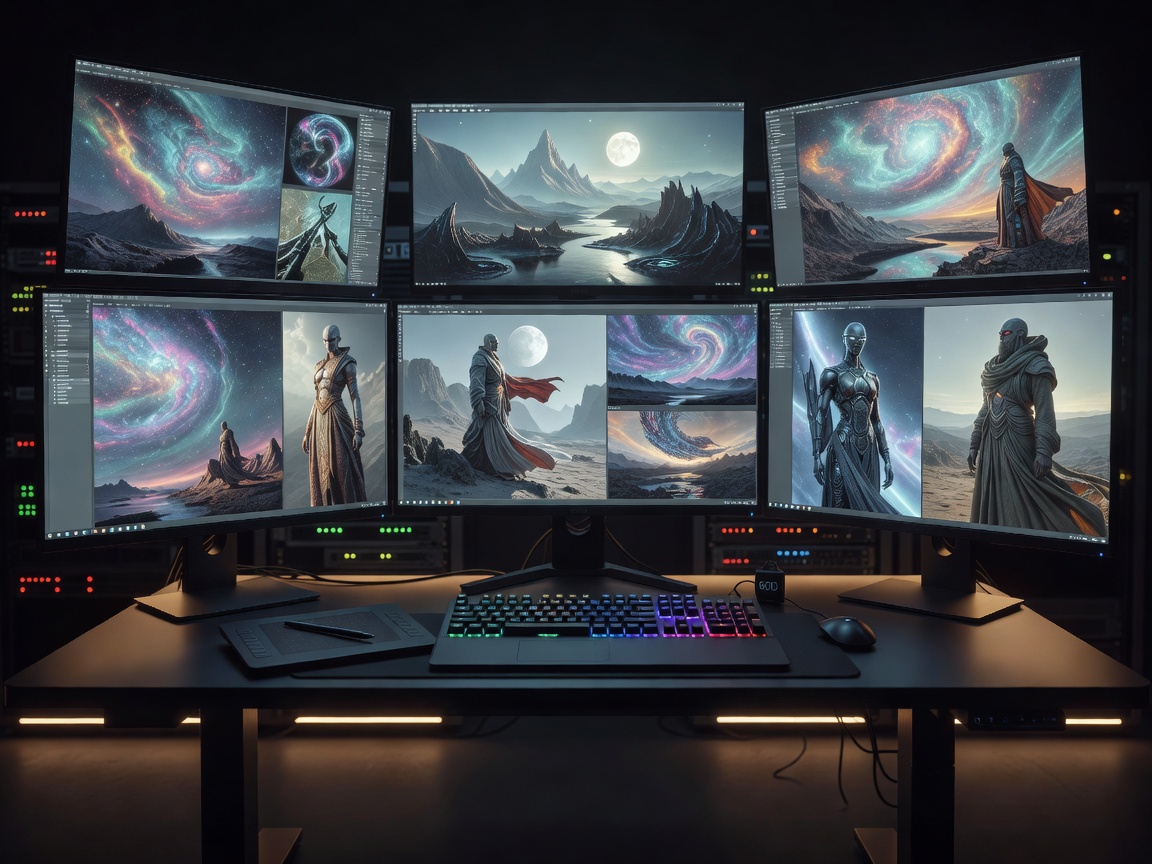
Image generation
Compare prompt-led art, product mockups, brand assets and editing workflows for commercial visuals.
Read image guideAI Creative Studio
Jollystackreelbeacn maps the practical uses of generative AI for images, video, music, voice, presentations and brand design. Each guide explains what to automate, where human taste still matters, and how to ship polished work responsibly.
Studio guides
Compare prompt-led art, product mockups, brand assets and editing workflows for commercial visuals.
Read image guide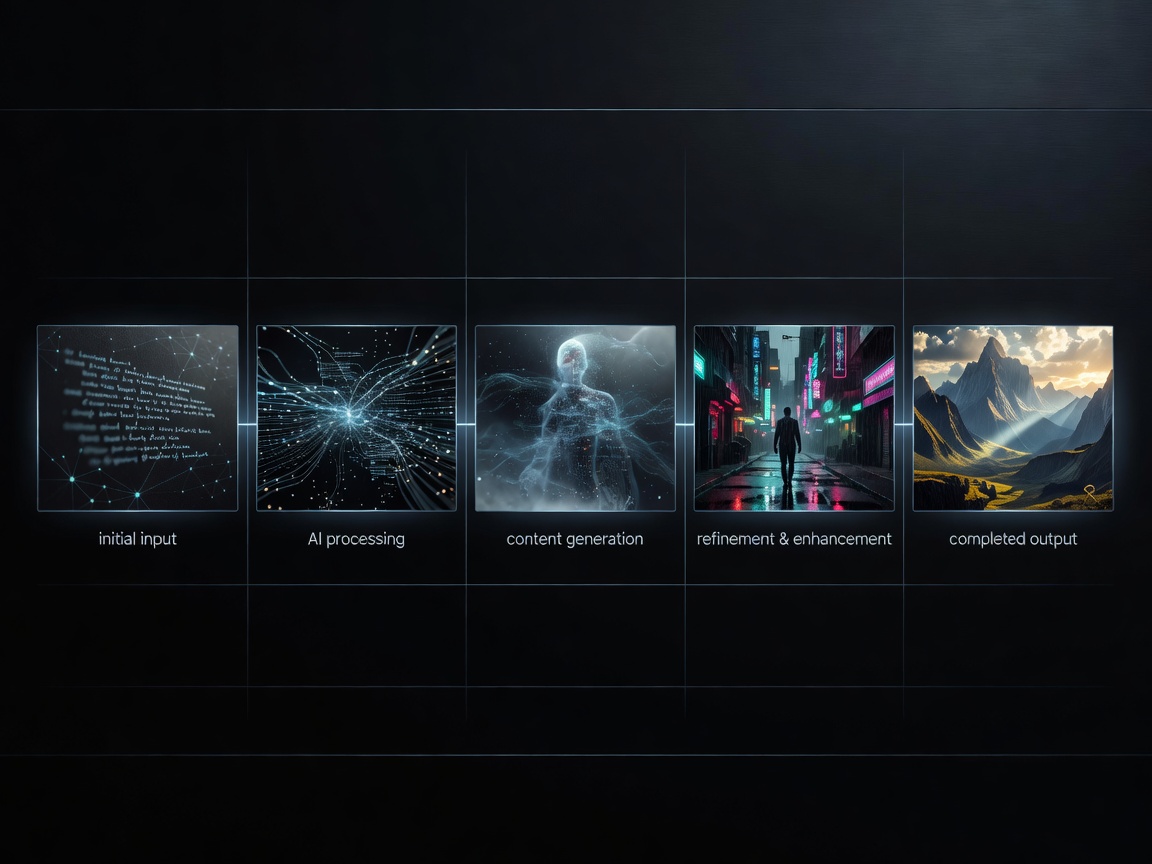
Plan AI-assisted clips, explainers, ads and social edits from script to final delivery.
Read video guide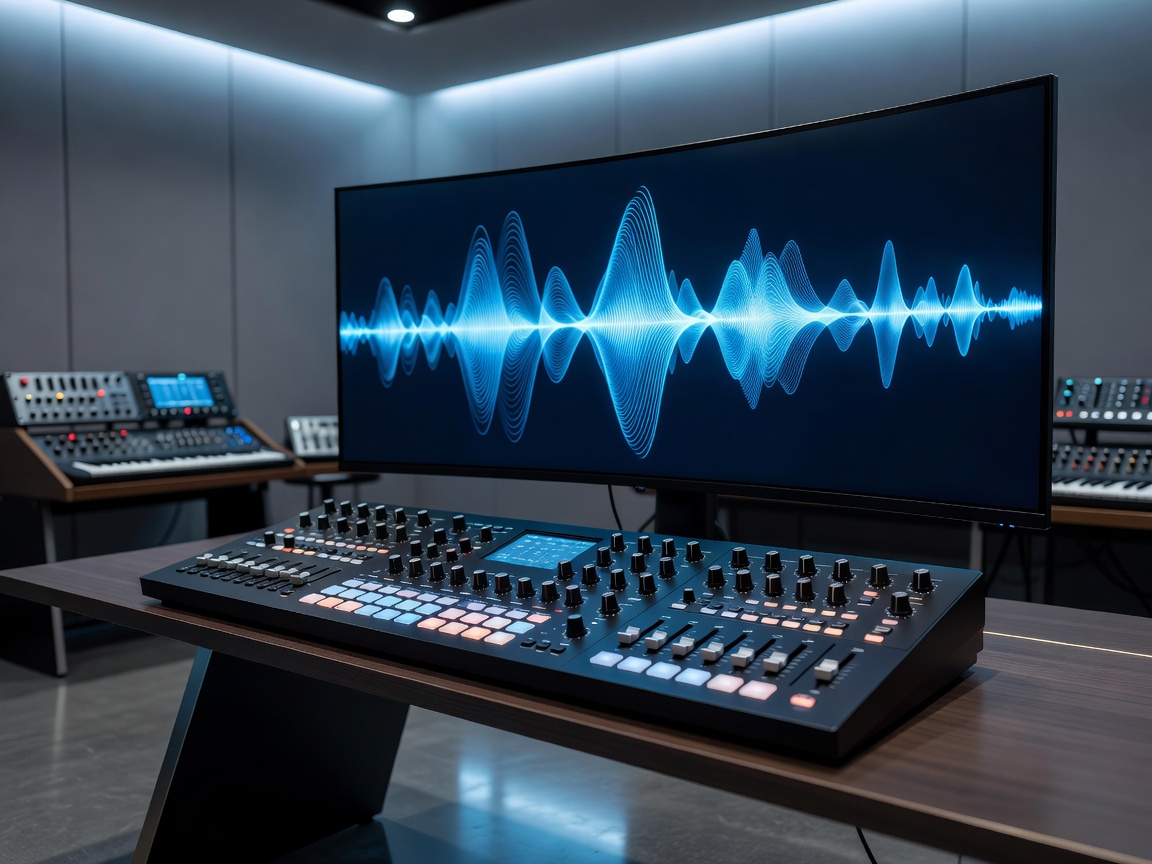
Understand stems, loops, jingles, background beds and licensing before publishing.
Read music guide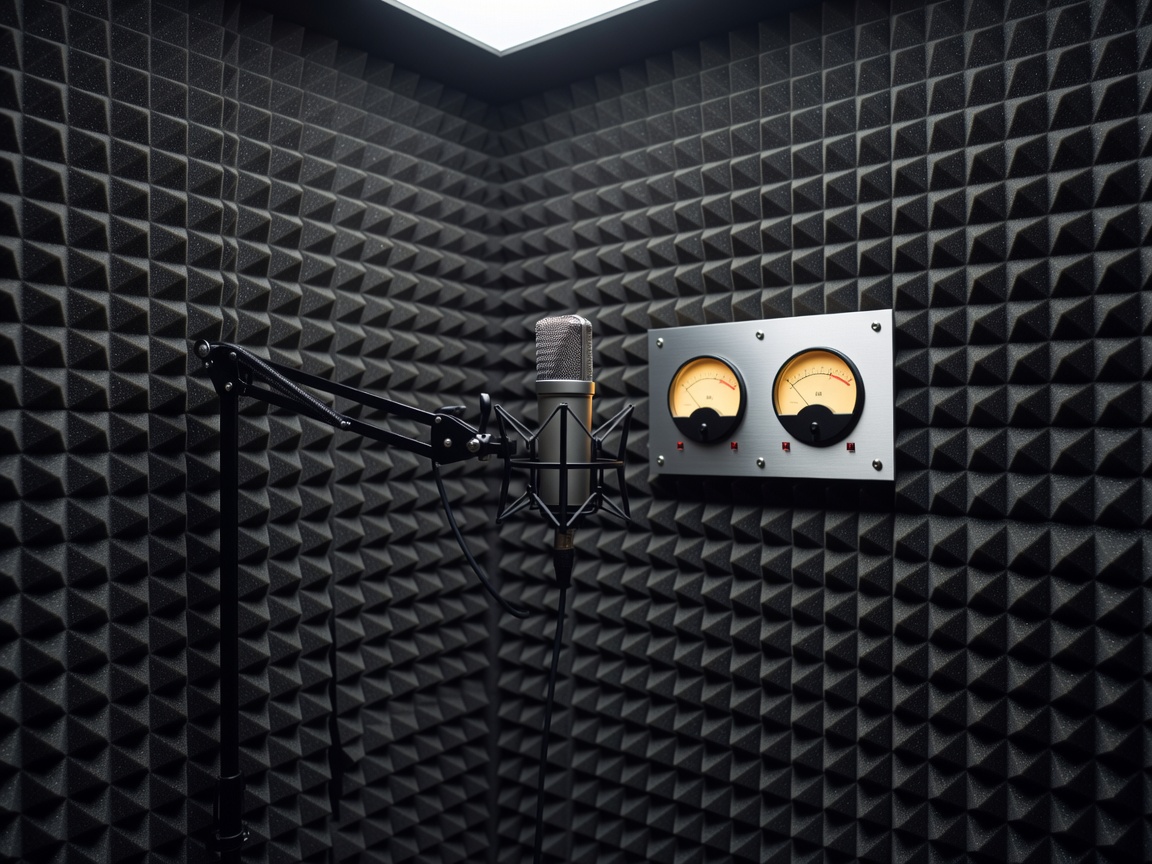
Use synthetic narration, dubbing and voice cleanup while managing consent and clarity.
Read voice guide
Turn messy briefs into decks, social graphics, pitch visuals and reusable systems.
Read design guideHow we evaluate
Our recommendations focus on repeatability, commercial rights, collaboration, export quality, accessibility and review steps. A studio stack should reduce busywork while keeping strategy, taste and accountability with the creative team.